
Summary#
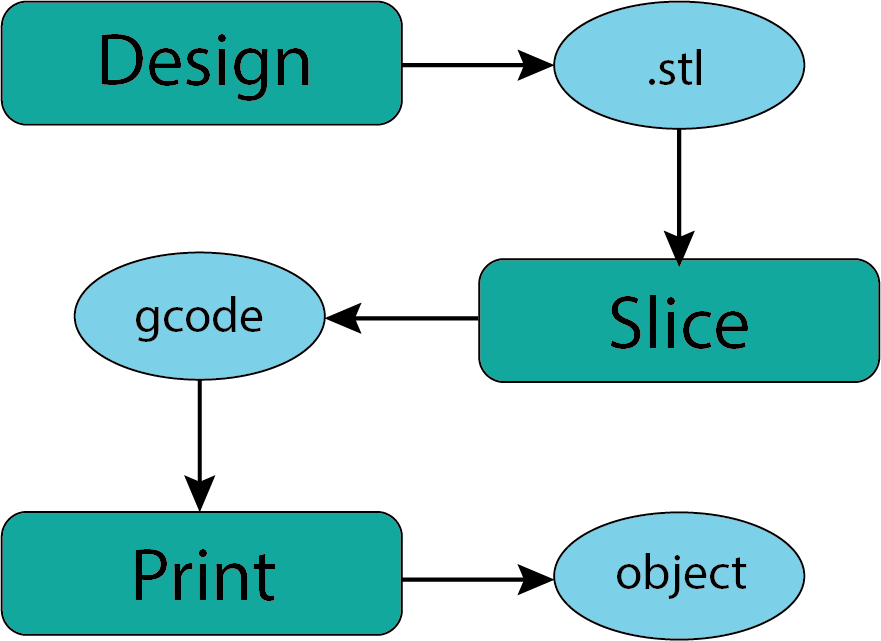
Fig. 35 Workflow#
Find or Create a model (something) that interests you.#
Look in the Downloads section of this document for suggestions.
Take the .stl file and slice it.#
You can install the Prusa Slicer software at home of come into the makerspace and work with staff there to complete this step in the process. There will generally, but not always, be a staff member available with some experience with Prusa Slicer.
Export the gcode and copy to flash drive#
It is certainly helpful to bring the .3mf file that is generated by Prusa Slicer if you save your project. It can be on the same flash drive as the gcode file. This will allow you to make adjustments if needed and help us check that your gcode seems appropriate for our printers.
Reserve a 3D printer on the DPL website#
This is an important step that will help assure that there are staff available to help and validate the files you are bringing in.
Print your object.#
All that remains is to print your object which seems straightforward. Most of us who hve worked with 3D printers a little know that there are one sometimes has interesting revelations about the model while watching your object print. Do to be surprised if you find you want to make changes and try it again.
Spread the word!!!#
We look forward to working with anyone who is interested in learning about this process or creating objects of interest or use to them. See you in the makerspace!