Design: CAD Overview#
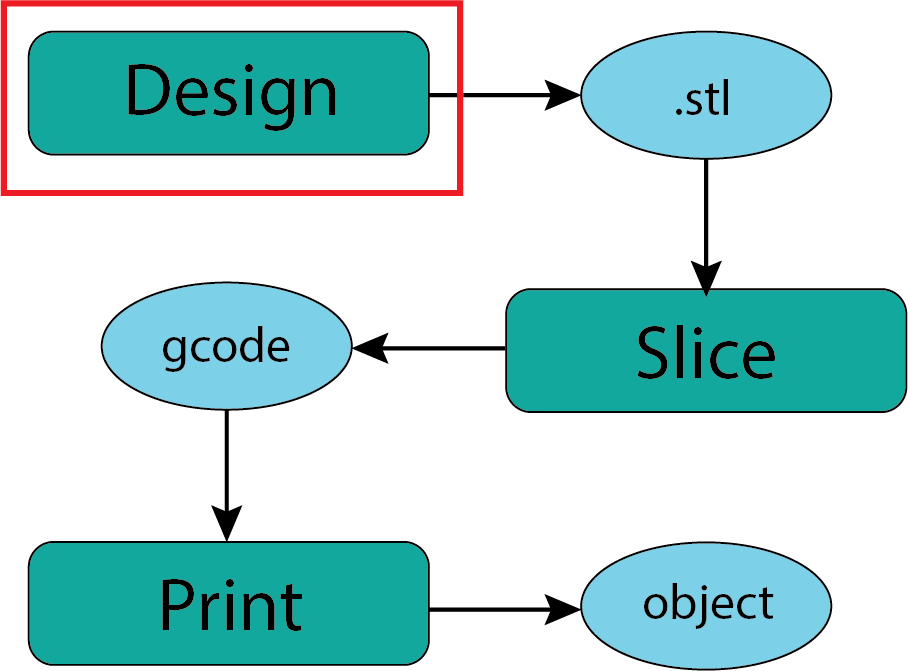
Fig. 15 Design#
Almost all manufacturing processes begin with some form of design software. For three dimensional objects this is often called CAD (Computer Aided Design). The big names in CAD software are Solidworks, Autodesk (the parent of Fusion 360), and open source packages like OpenSCAD and FreeCAD. There are a host of other software packages that seem to pop up out of nowhere. What works for you is what matters.
Like all complex software the learning curve is challenging but the rewards are great. If you have any connection to education (a .edu email address) Fusion 360 is relatively accessible through an education license. Otherwise cost is an issue. Because I have an education connection I use Fusion 360 but I would not be able to afford it otherwise.
The major CAD software packages can do truely amazing things and these days they can even be animated to make sure everything will work and actuate as you intended. Below is an extreme example.
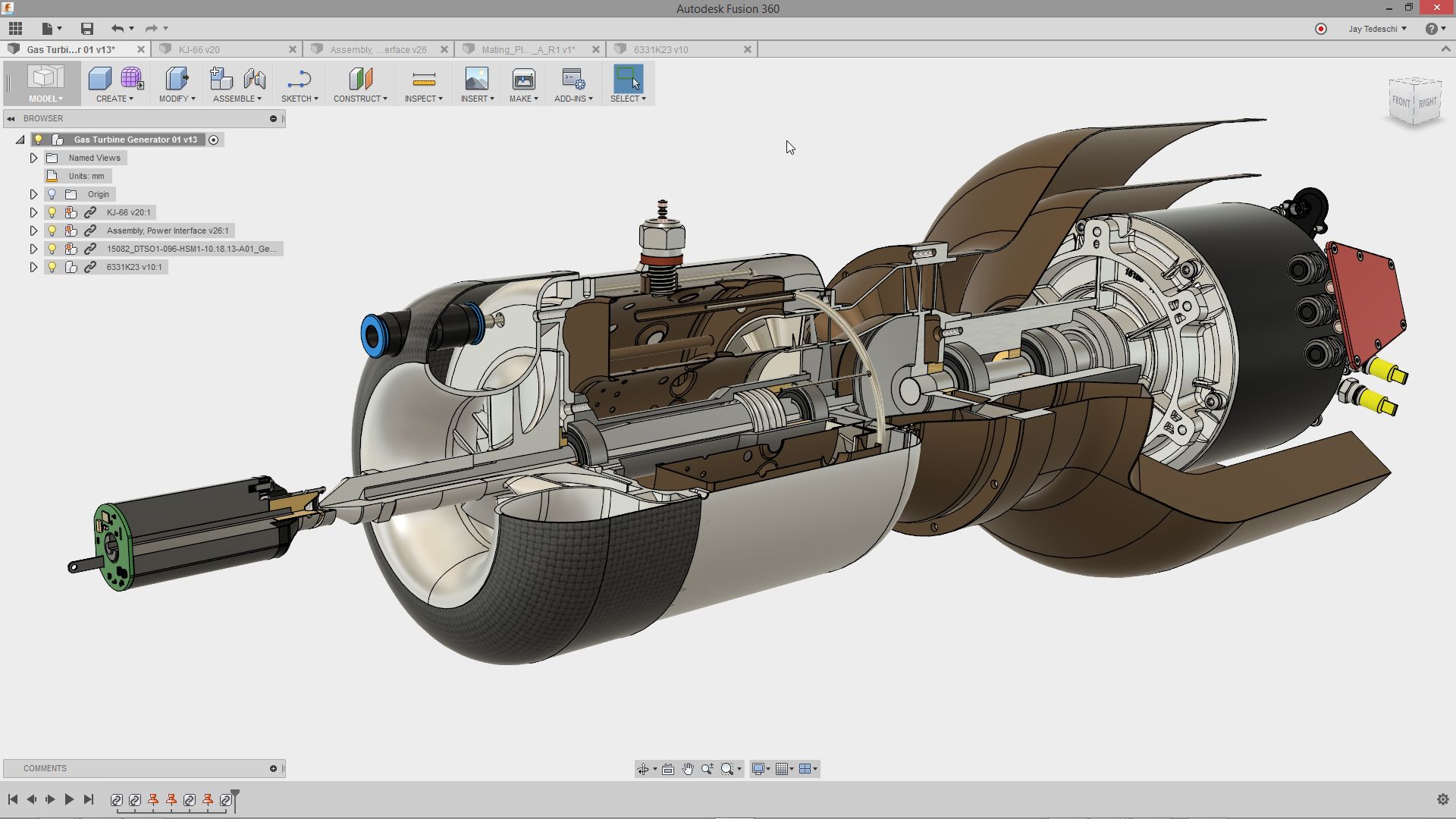
Fig. 16 Fusion Example#
TinkerCAD#
For relatively simple geometries you can get started in CAD design using Tinkercad - its FREE!. Tinkercad is a lightweight (low complexity) product from the same folks who make Autodesk and Fusion 360. If you are interested in designing your own objects this is a reasonable starting point. Setting up an account is easy and the learning curve is gentle.
Design Output#
The output of your design process that is needed to move towards a 3D printed object is the .stl file. In all of the CAD software I have worked with this is a separate file (exported) from the design files that are native to the software. Like a .pdf file the .stl file is a stable and widely understood file format for describing 3 dimensional objects. Because the 3D printing community has grown largely from an open source/open hardware ethos you will find that many folks have designed objects they think are interesting or useful and then made the .stl files of their design available for others to use. Using designs created by others is a great way to learn about 3D printing and participate in the community. This is what we will explore next.